AI Operating Systems
AI Workflow Automation
Move beyond rigid rules by letting workflows interpret inputs, route exceptions, and generate next steps.
Start with our AI agent. Find your next step.
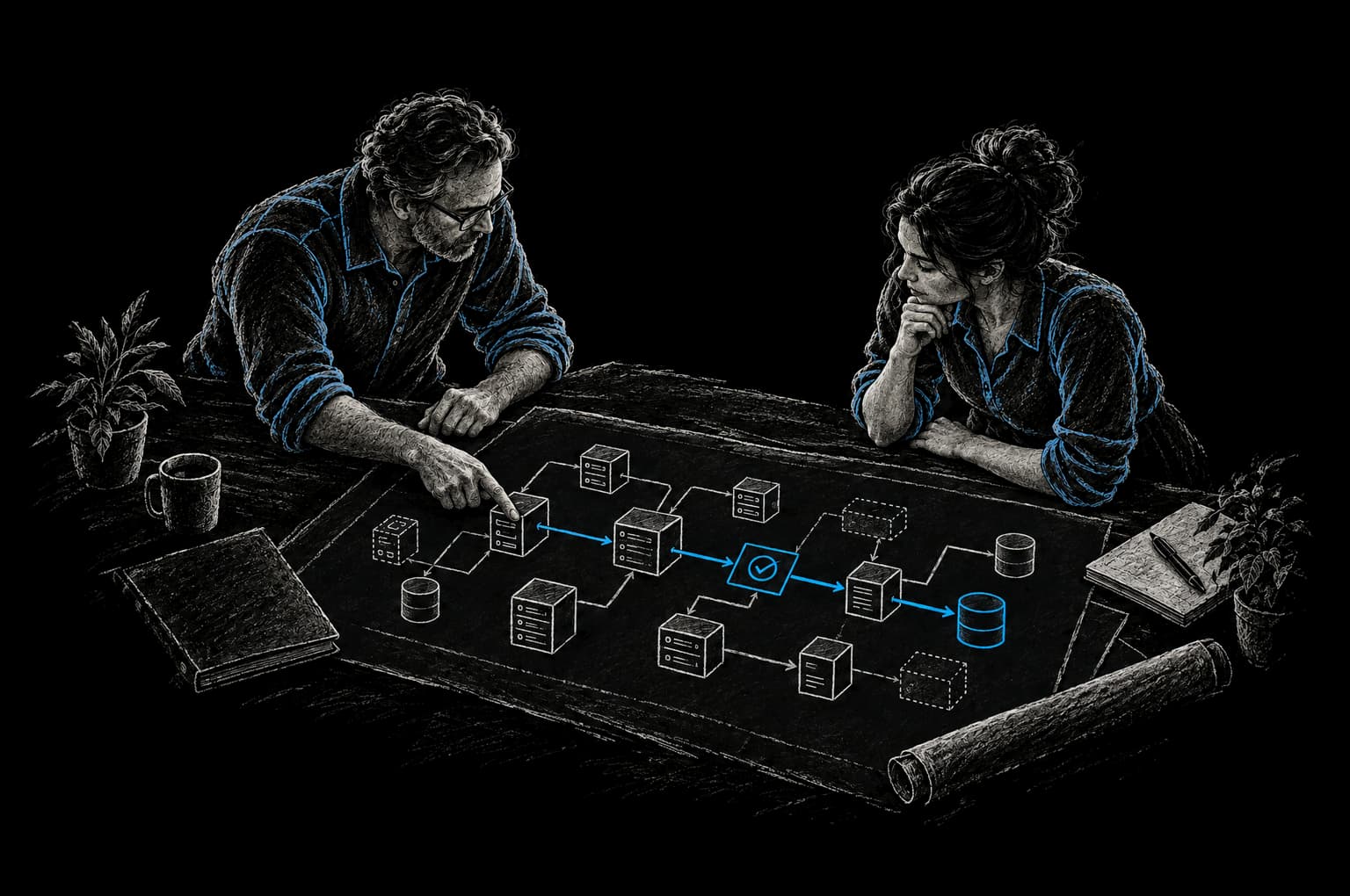
Operating System Lens
Automation with business context
- Triage requests without manual sorting
- Route work based on context and capacity
- Escalate exceptions before work stalls
Your workflows are growing faster than your team can handle them. Every new customer brings new communication. Every invoice needs data entry. Every support ticket needs triage. The traditional answer is to hire more people or string together rigid automation rules. Neither actually solves the underlying problem.
AI workflow automation changes what's possible. It adds a layer of intelligence on top of process automation, letting systems interpret unstructured inputs, make context-aware decisions, generate content, and route exceptions without human intervention. The result is fewer manual hours, fewer errors, and teams that spend time on strategy instead of data entry.
This isn't automation for its own sake. It's automation applied to workflows where the business case is clear and the data quality is sound.
The Difference Between Traditional and AI Workflow Automation
Traditional workflow automation follows rules. It connects systems and triggers actions based on conditions you define in advance.
- When a new order is placed, send a confirmation email
- When a form is submitted, create a Salesforce record
- When a ticket sits in a queue for 4 hours, escalate it
This works when your workflows are stable and well-understood. Most businesses have at least some processes where rule-based automation adds value immediately.
AI workflow automation adds layers of reasoning on top of that foundation. It can:
- Interpret unstructured input. Read an invoice or contract and extract key data without manual data entry
- Make context-aware decisions. Look at a support ticket and classify it by urgency and category, then route it to the right team
- Generate content. Draft a response to a customer inquiry or summarize a conversation
- Route exceptions intelligently. Send routine requests through automation, but flag edge cases for human review
- Improve with review. Get more accurate over time as we review telemetry, add the cases it got wrong to its evaluation suite, and update prompts, rules or models, with each change gated by evaluations
The difference in practice:
Traditional automation: "When a new customer support ticket arrives, create a record in our support system"
AI automation: "When a new support ticket arrives, classify it by urgency and category, analyze the customer sentiment, route it to the right specialist based on their expertise and availability, draft a suggested response for review, and alert a manager if the sentiment score indicates high frustration"
Where AI Workflow Automation Creates Real Leverage
AI workflow automation isn't the right answer for every process. It works best when you have:
- Repetitive work that consumes significant time. Not occasional tasks, but patterns that recur dozens or hundreds of times monthly
- Unstructured or semi-structured input. Documents, emails, messages, or data that requires interpretation rather than simple data transfers
- Clear success metrics. You can measure the impact: fewer manual hours, faster cycle time, fewer errors
- High-volume, low-cost-of-error workflows. Leads worth routing automatically. Invoice data that can be reviewed by a human before payment. Customer inquiries that can get a draft response
The most common use cases:
Document Processing Extract data from invoices, contracts, applications, or forms automatically. Manual data entry causes over 60% of invoice errors (SenseTask). Document workflow automation with AI classification and extraction catches those errors at the source and removes hours of manual keying.
Lead Routing and Qualification Inbound leads get scored and routed to the right sales rep based on geography, industry, or deal size. Follow-up sequences are triggered automatically. Leads that don't fit your ICP are flagged for sales development instead of being lost in an inbox. Result: faster time to first contact, higher follow-up rates, fewer lost opportunities.
Customer Communication Respond to common customer inquiries automatically. Route complex or urgent requests to a human. Personalize outreach based on customer history and behavior. A customer support workflow can draft responses to routine inquiries for a human to review before sending, freeing time for issues that actually need expert judgment.
Operations Triage Classify incoming work, flag exceptions, and route to the right person without manual triage. Your ops team spends less time reading tickets and more time solving them.
Reporting and Summarization Pull data from multiple systems, generate summaries, and alert teams to anomalies. Instead of someone running manual reports, your workflow delivers actionable insights automatically.
Approval Workflows Route requests through the right approval chain. Collect required sign-offs. Track status without manual follow-up. Escalate requests that are stuck or overdue.
What Separates Effective AI Automation from Ineffective
Not all AI workflow automation projects succeed. The difference between ones that add value and ones that create expensive chaos comes down to a few clear principles.
Good automation is applied to well-understood workflows. You've documented the process. You know the inputs and outputs. You've identified where manual work is concentrated. You have clean, consistent data to work with.
Bad automation gets applied to broken or undefined workflows. The team hasn't agreed on the process. Data quality is inconsistent. The workflow changes frequently. The result is automated chaos that's faster and more expensive than manual work.
Good automation includes human oversight for high-stakes decisions. A lead routing workflow can run fully autonomously. An approval workflow that commits budget should flag exceptions for human review. A customer communication system should show generated responses to a human before they're sent. Bad automation assumes the AI is infallible in contexts where errors are costly.
Good automation has a measurable outcome defined before you build. You know how much manual time this workflow consumes today. You have a target for how much time it should consume after automation. You've identified the acceptable error rate and have a way to track it. Bad automation is built because "automation sounds good" with no clear success metric.
Good automation includes telemetry and monitoring. You track whether the automation is working as intended. You catch regressions early. You identify when data quality degradation is breaking the system. Bad automation gets deployed and ignored until someone complains.
How InTech Approaches AI Workflow Automation
At InTech, we build product-grade automation, not quick-fix scripts.
CRAFT (Context, Rationale, Automate, Fortify, Telemetry) is InTech's operating system, the governance underneath strategy, product engineering and managed operations. Pro-Neering is the philosophy behind it, and its first rule is clarity before code. Before we design a workflow, we:
- Map the current workflow and identify where manual effort is concentrated
- Define the success metric clearly (hours saved, error rate, cycle time)
- Assess data quality and identify gaps that need to be fixed before automation
- Design exception handling and human oversight points
- Plan for monitoring and iteration
Most engagements start with an assessment that picks the first workflow. For workflow automation projects, the work then runs in pods:
- Express Pod: An Express Pod puts one measurable improvement into production in weeks, with the timeline agreed in the Intent Contract before build starts. For automation, that is a single workflow (document processing, lead routing, simple triage), delivered with monitoring and an iteration plan
- Build Pod: The Build Pod is ongoing delivery capacity with a Product Delivery Lead, staffed to the shape of the work and managed against outcomes. Commercial terms are agreed per engagement. Used when you're refining automation systems or adding complexity
- Build Pod, multi-workstream configuration: the same Build Pod, configured for mature workflows that need optimization and expansion across multiple use cases in parallel
- InTech Operate: runs and improves the automation in production as a managed service
Our team has direct experience building automation with n8n, Zapier, and custom integrations. We handle the integration work, exception handling, monitoring, and iteration without requiring you to become an automation engineer. For teams looking for an implementation partner rather than an advisory handoff, see our AI automation consultant service.
The process doesn't end at launch. We implement telemetry from day one, monitor performance against your success metric, and iterate based on real outcomes rather than assumptions.
FAQ
Can AI workflow automation reduce manual work by 80% or more?
For specific workflows with high volume and clear, structured inputs, the reduction can be large, but we don't quote a percentage up front. We agree on the baseline and the target with you before work starts, and report the result against that baseline. Lead routing can remove most manual triage. But don't expect a single automation to reduce overall team workload by 80%. The impact is per-workflow, and its size depends on the volume and complexity of that specific process.
What happens when the AI makes a mistake?
Depends on the workflow. High-stakes decisions (approvals, refunds, customer escalations) include human review built in. Routine workflows (lead routing, routine customer responses) are monitored for accuracy, and the system alerts you if error rates exceed the acceptable threshold. Part of our implementation process is designing exception handling before anything runs autonomously.
How much does data quality matter?
Enormously. Poor data quality compounds when you automate. If your invoice extraction workflow is fed PDFs with inconsistent formatting, or if customer records have incomplete or conflicting data, automation built on that foundation will amplify the problem. We assess data quality as a prerequisite. If quality is poor, we help you fix it before automation goes in.
Can we automate a workflow that doesn't exist yet?
You need a defined process first. If your workflow is still being designed, we can help you design it with automation in mind. But trying to automate a process that isn't documented or that changes weekly will fail. Start with a clear, repeatable process. Then automate it.
How long does it take to see results?
An Express Pod puts one measurable improvement into production in weeks, with the timeline agreed in the Intent Contract before build starts, and the result is reported against the baseline agreed at the start. For more complex automation or when you're automating multiple workflows, Build Pods take longer, but you're getting continuous value as each piece goes live. We structure projects to deliver incrementally rather than waiting for everything to be perfect.
Can we start with one workflow and expand later?
Yes. That's the Express Pod approach. You automate one high-impact workflow, measure the results, and expand from there. You learn what works for your organization without committing to a large, speculative project. Starting narrow and expanding on evidence is the usual pattern.
From Friction to Proof
Bring us the part that’s getting in the way.
Tell our AI agent what you want to improve. We’ll help you find a useful first step.
Start with our AI agent. Find your next step.