Industries
AI for Field Service Businesses
Connect triage, dispatch, communication, close-out, and billing while dispatchers keep the calls that need judgment.
Start with our AI agent. Find your next step.
Field Service
Dispatch without admin drag
- Triage inbound requests
- Draft customer updates
- Close jobs into billing faster
Field service runs on dispatch decisions and customer communication. Both happen all day, and most of them fall on one or two people who become the bottleneck. The dispatcher cannot triage every inbound call cleanly. The customer service rep cannot keep up with status updates. The technicians finish a job and the invoice does not go out for two days.
AI for field service is the operating layer that handles the volume work so the dispatcher, the technicians, and the customers stop waiting on each other. Done right, the business books more jobs, customers see faster service, and the team focuses on the work that actually requires judgment.
What AI for field service means
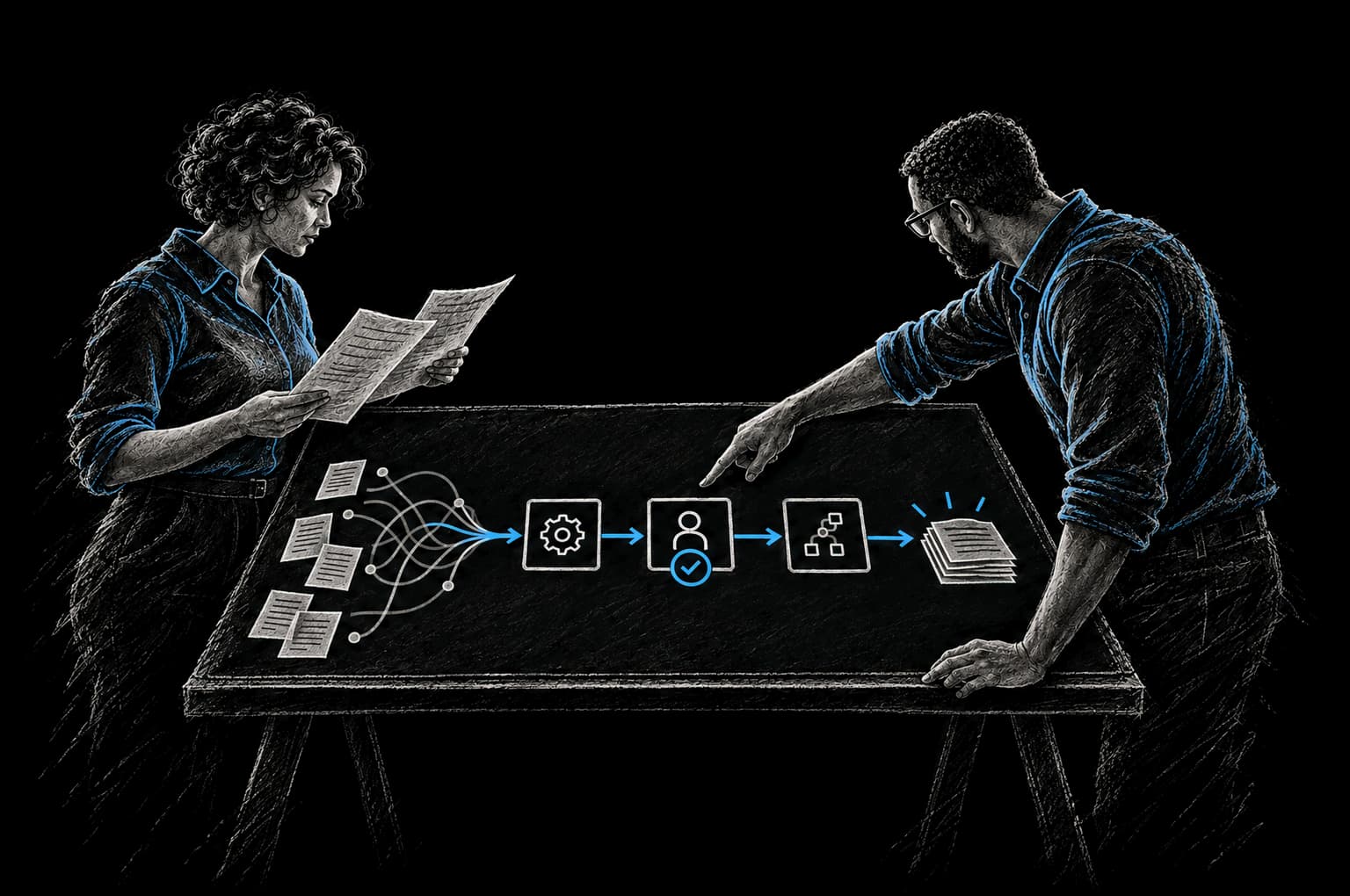
AI for field service is the integration of supervised AI agents into the workflows where dispatch, customer communication, billing, and reporting bog down. The agents triage requests, draft communications, close out jobs, and generate operational summaries. Humans review and ship.
A complete AI for field service engagement covers four pieces:
- Workflow integration across CRM, dispatch, billing, and customer communication systems
- Supervised agent design with bounded tool access and escalation paths to dispatchers
- Field-data integration from technician notes, photos, and job updates
- Telemetry that records what agents proposed, what humans approved, and what shipped
This is different from buying an AI feature inside field service management software. Custom AI for field service reads across your full operating stack and respects the policy you set.
Where AI agents create leverage in field service operations
Inbound triage agents classify service requests by urgency, predict likely job complexity, and propose dispatch routing for human confirmation.
Customer communication agents read job state and draft updates: technician en route, part ordered, new ETA, work complete, invoice summary. Customer service reviews and sends.
Billing and close-out automation reads completion events, parses the work performed, drafts invoices, and routes for any required approval.
Operations exception agents watch the dispatch queue, technician location data, and communication state. They flag jobs sitting unscheduled too long, late routes, and customers missing expected updates.
Reporting agents compile weekly summaries: jobs completed, response time, technician utilization, and customer satisfaction signals.
AI for HVAC contractors
AI for HVAC contractors handles maintenance scheduling, seasonal demand routing, equipment-specific work order classification, and warranty documentation drafting from technician notes.
The dispatcher still handles the unusual calls. The agent handles the repeated demand-side work that slows the team down during heating and cooling spikes.
AI for plumbing businesses
AI for plumbing businesses helps with intake triage, urgency classification, and parts-on-truck planning. A burst pipe needs different handling than a slow drain. The agent reads the request, classifies likely job type and urgency, and proposes routing for the dispatcher to confirm.
AI for electrical contractors
AI for electrical contractors emphasizes documentation accuracy, safety reporting, and inspection-ready paperwork. The agent drafts work order documentation, code-compliance prompts, customer-facing safety summaries, and permit-support paperwork for human review.
Common patterns we ship
Across field service, HVAC, plumbing, and electrical contractors, the recurring deliverables are triage agents, dispatch agents, communication agents, billing automation, exception detection, and weekly operations summaries.
Each starts as an Express Pod that puts one workflow into production. A Build Pod extends across additional workflows once the first supervised agent proves out.
How InTech builds AI for field service
CRAFT (Context, Rationale, Automate, Fortify, Telemetry) is InTech's operating system, the governance underneath strategy, product engineering and managed operations. Pro-Neering is the philosophy behind it. Here is how it applies to a field service business.
Context starts with the dispatcher. We map their day, the tools they use, and the decisions they make most often.
Rationale gets captured in an Intent Contract. Field service success metrics are usually cycle-time metrics: inbound call to dispatch, job complete to invoice sent, and issue to customer notification.
Automate builds the agent with bounded tool access across dispatch, CRM, and communication systems.
Fortify adds error handling, rollback paths, and exception escalation that gets the dispatcher in the loop when something goes wrong.
Telemetry records every agent action in the same operating layer as the broader AI Operating System.
Engagement models: Express Pod and Build Pod
Most engagements start with an assessment that picks the first workflow. An Express Pod puts one measurable improvement into production in weeks, with the timeline agreed in the Intent Contract before build starts.
The first workflow is usually triage or customer communication, shipped as a supervised agent.
A Build Pod expands the first agent into additional workflows. When multiple agents need to coordinate across the entire operating layer, the Build Pod is configured for multiple workstreams. Once a workflow is live, InTech Operate can run and improve it.
Frequently asked questions
What does AI for field service actually do?
AI for field service handles the volume work that bogs down dispatch, customer communication, and billing. Triage agents classify inbound service requests by urgency. Communication agents draft customer updates. Billing agents close out completed jobs and trigger invoices. The dispatcher and the technicians keep the judgment calls.
Is AI for HVAC, plumbing, or electrical contractors different?
The patterns are similar; the workflow specifics differ. HVAC contractors automate maintenance scheduling and seasonal demand patterns. Plumbing businesses focus on emergency triage and routing. Electrical contractors emphasize compliance documentation and safety reporting. The CRAFT methodology and supervised-agent architecture apply uniformly across all three.
Will AI replace my dispatcher or technicians?
No. AI replaces the volume parts of dispatch and admin work. The dispatcher still makes the routing calls when the situation is unusual. Technicians still solve the problem on site.
How long does it take to ship AI for a field service business?
An Express Pod puts one measurable improvement into production in weeks, with the timeline agreed in the Intent Contract before build starts. Most field service businesses start with triage or dispatch automation. A Build Pod then expands across additional workflows over the months that follow.
How does this work with our existing field service management software?
AI for field service plugs into whatever you already use: ServiceTitan, Housecall Pro, Jobber, FieldEdge, or custom systems. We integrate via API where possible and build custom connectors where needed. You keep your existing software.
Related: methodology and AI Operating System context
From Friction to Proof
Bring us the part that’s getting in the way.
Tell our AI agent what you want to improve. We’ll help you find a useful first step.
Start with our AI agent. Find your next step.