Problems We Solve
Reducing Operational Errors with Connected Systems and Automation
Most operational errors start where people retype data or carry a step in their heads.
Start with our AI agent. Find your next step.
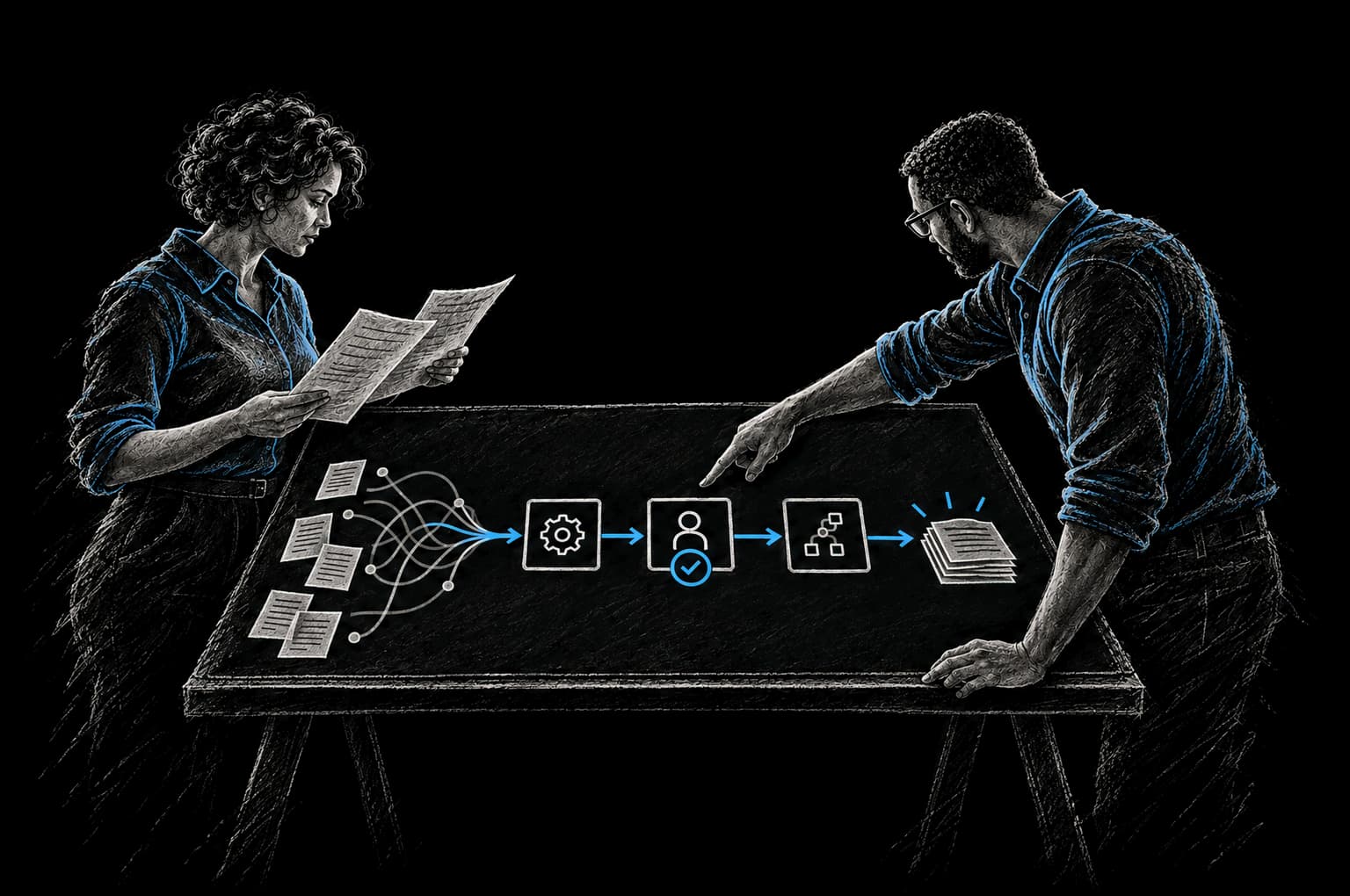
Operating Friction
Where errors get in
- Payments keyed in with an extra zero
- Approvals lost in chat threads
- Reports that disagree with the ledger
You don't have an accuracy problem. You have a process problem.
When humans are responsible for catching every error, errors compound. Wrong data entered into one system gets copied to the next. A missed step in a workflow triggers a cascade of downstream problems. Information passed via email is transcribed wrong. By the time you discover the error, it's embedded in three systems and three different business decisions have been made on the basis of bad data.
The more steps that depend on human catch, the higher the error rate. It's not a reflection of your people. It's math.
The solution is to move error prevention from "hope the human catches it" to "the system won't allow it in the first place."
The Real Sources of Operational Errors
Manual data entry (1–4% error rate)
When a human types data into a system, errors happen. Not because they're careless, but because humans are humans. You hit the wrong key. You read a number wrong. You type too fast and miss a decimal point. A keystroke error rate of 1 to 4 percent doesn't sound like much until you realize what it means.
In a business processing 500 invoices a day, that's 5 to 20 errors per day, or roughly 1,300 to 5,200 per year. Some of those errors cost money (wrong payment amount, invoice sent to the wrong email). Some of them cost time (reconciliation and correction work). Most of them could be eliminated entirely.
Copy-paste between systems
You create a customer record in one system. You copy their details and paste them into another. Except you missed a field, or you pasted the wrong value, or the formatting changed when you pasted and now it breaks the downstream system. Copy-paste is quick but it's a vector for error introduction.
The more times data needs to be copied between systems, the higher the probability of error.
Verbal or email-based handoffs with no confirmation
A sales rep emails the implementation team: "Customer wants the widget module and the dashboard. Start setup." The implementation team reads it as "widget and dashboard." But the sales rep also mentioned in a previous email that they wanted "premium support" and some custom configuration. That context got lost in the handoff. The implementation team starts the wrong implementation.
Or the finance team emails the ops team: "Customer payment is $5,000." The ops team enters it as $50,000 (added an extra zero or misread the email). By the time the discrepancy is found, the customer has been charged incorrectly and the reconciliation work doubles.
Email-based information transfer is lossy. It's a game of telephone with money.
Missing validation rules that allow bad data to enter systems
Your system accepts any value in the "phone number" field, even if it's not a valid phone number. Bad data enters the system. It gets copied to other systems. Your reports are based on bad data. Your outreach attempts fail because half your phone numbers are garbage.
Or your system allows an invoice to be created with a future date, or with a customer ID that doesn't exist, or with a negative amount. Bad data that should have been caught at input now lives in your database forever.
Process steps that rely on individuals remembering to do them
An approval needs to happen before a shipment goes out. But the approval step is handled by one person via a Slack message. They're busy. They forget. Shipment goes out unapproved. Or maybe they approve it but don't tell anyone, so the shipping team is still waiting for approval and doesn't know they can proceed.
Human memory is not a process control. When critical steps depend on people remembering them, steps get missed.
The Business Impact of Operational Errors
The cost of errors is almost always higher than the cost of preventing them.
Manual data entry causes over 60% of invoice errors (SenseTask). A single invoice error might not cost much. But across an organization processing thousands of invoices, that's hundreds of hours of reconciliation work per year. That's customer relationships damaged by incorrect charges. That's revenue leakage.
Bad data quality costs organizations approximately $3.1 trillion annually (IBM research (opens in a new tab)). IBM's recent analysis found that 26% of organizations lose more than $5 million every year from poor data quality alone. That's not a typo.
Even for smaller organizations, the math is stark. If you process 1,000 transactions per month and have a 2% error rate, that's 20 errors per month. If each error costs an average of 4 hours to identify and correct (it's usually more), that's 80 hours per month of wasted remediation work. At a fully-loaded cost of $75 per hour, that's $6,000 per month in pure waste. Seventy-two thousand dollars per year that could have been prevented.
The longer errors live in your systems, the more expensive they become. An error caught at input costs 5 minutes to fix. An error discovered during reconciliation costs 2 hours to fix. An error discovered after reporting to the customer costs 20 hours to fix, plus customer relationship damage, plus potential legal liability.
The Solution: Validation, Automation, and Connected Systems
Operational errors are prevented at three layers: input validation, workflow automation, and data integration.
Input validation stops bad data before it enters the system
Before you let someone enter data, validate that it's in the right format. A phone number must actually be a phone number. An email must be a valid email. A numeric field must be numeric. An amount must be positive. A date must be in the past (or future, depending on the field). A customer ID must exist in the system.
Validation doesn't have to be complicated. It just has to be unforgiving. If data doesn't match the rule, the system rejects it and tells the user to fix it. This one change stops many errors before they start.
Workflow automation enforces the steps
Instead of relying on humans to remember the approval, the next step of the workflow triggers automatically. Instead of a Slack message that might get missed, a task appears in the system that the right person is responsible for. Instead of one person tracking three different spreadsheets, the status updates automatically as the workflow progresses.
When steps are automated and sequenced, steps don't get missed. The workflow enforces itself.
Data integration eliminates copy-paste
When data is entered once and automatically propagated to every system that needs it, copy-paste errors disappear. A customer is created in your CRM once. They automatically appear in billing, in the support system, and in the project management tool. One entry. One source of truth. No copying. No re-entry. No chance of error through transcription.
Illustrative Examples
Hypothetical scenarios to show the pattern; figures are illustrative, not client results.
Example 1: Invoice errors and reconciliation
Before: Invoice amount is entered into the billing system by hand. It gets emailed to the customer. Customer payment comes in. Finance team manually checks that the payment amount matches the invoice (and catches when it doesn't, which is often). If the customer paid the wrong amount, they reconcile it manually. Wrong numbers in spreadsheets lead to reconciliation problems for months.
After: Invoice amount is pulled from the contract automatically. System validates the amount before it's created. Invoice is generated once, stored once, and automatically sent to the customer. Payment comes in. System automatically checks that the payment matches the invoice amount. If there's a discrepancy, system flags it automatically and notifies the finance team.
Result: Zero manual reconciliation work. Discrepancies caught instantly instead of discovered weeks later. No spreadsheet errors because there is no reconciliation spreadsheet. Finance team spends 10 hours per month on tasks that add value instead of on error-fixing.
Example 2: Customer onboarding errors
Before: Sales rep sends implementation team an email with customer details. Implementation team copies the details into their project management tool and billing system. Some details are missed, some are transcribed wrong. Customer is created with the wrong billing address or phone number. Surprise problems later when trying to reach them or send them invoices.
After: Customer is created in the CRM. They automatically populate into the billing system and project management tool with zero manual entry. All systems have the same, correct data. Implementation team receives a pre-populated context packet with all customer details pulled directly from the source systems.
Result: Zero transcription errors. Implementation team starts work with complete, accurate information. Customer problems caught before they happen.
Example 3: Approval chain errors
Before: Order needs approval from finance before it can be fulfilled. Sales person emails finance person asking for approval. Finance person is in meetings. Order sits for three days. Sales person follows up. Meanwhile, customers are waiting. Or the finance person approves verbally and doesn't document it, so the fulfillment team doesn't know they can proceed.
After: Order is created in the system. Approval routing is automatic. Finance person receives a notification that an approval is waiting. They click approve or reject. Order automatically routes to the next step. Fulfillment team knows exactly when they can proceed.
Result: Three-day approval cycles become three-hour cycles. No miscommunication about approval status. Fulfillment happens faster because the process is clear.
Example 4: Data quality and reporting
Before: Data is entered into the system with no validation. Some phone numbers are missing the area code. Some customer names have typos. Some records have customer IDs that don't actually exist. Reporting is unreliable because the underlying data is unreliable. Sales reports show a different pipeline number than what the CRM actually shows. Finance reports don't match the GL.
After: System validates every piece of data as it enters. Phone numbers must be valid phone numbers. Customer IDs must exist. Required fields must be filled. Reports are built on clean data.
Result: Reports are reliable. Decisions are made on accurate information. No reconciliation work between reports and actual data.
The InTech Approach
We don't add more checks and controls that create busywork. We redesign the process to eliminate the need for checks in the first place.
We map your data flow. We identify every place where data is entered manually or copied between systems. We build validation into your systems at the point of entry. We integrate systems so data flows automatically. We automate workflows so steps get enforced instead of forgotten.
We use the CRAFT methodology: we understand your Context, define the Rationale, Automate the work, Fortify it so it's reliable, and add Telemetry so you can see what's working.
We agree on the baseline and the target with you before work starts, and report the result against that baseline. Fewer errors means less time spent on remediation, faster processes, cleaner data, and more reliable reporting.
FAQ
How do we know what data to validate?
We start with the data that costs the most when it's wrong. Amounts (invoices, payments, estimates). Customer identifiers (email, phone, ID). Required information for downstream processes (shipping address, project scope, contract terms). We build validation for those first, then expand to less critical fields.
What if the validation rules are wrong?
We test them with you first. We validate them against real data from your system. We're looking for false positives (the rule rejects good data) and false negatives (the rule allows bad data through). Once we're confident the rule is right, we turn it on.
Does automation require changing how our team works?
Usually a little, but in a good way. Instead of "waiting for approval," it's "approval is automatic when these conditions are met." Instead of "remembering to update the status," it's "status updates automatically." The changes are almost always simplifications.
What if we discover an error already in the system?
That's separate from preventing new errors. We'll help you design a remediation plan to clean up the existing data, but the priority is to stop adding new bad data. Once the process is clean, historical data cleanup is straightforward.
How does this work with our specific tools (Salesforce, Stripe, QuickBooks, etc.)?
We build validation and automation around the tools you already use. If your CRM is Salesforce, we build validation rules in Salesforce and integrations that connect it to your other systems. If your billing is Stripe, we ensure data flows cleanly from Stripe to your accounting system.
What's the ROI on error prevention?
Start with the cost of your current error rate. In the example above, 20 errors a month at four hours each is 80 hours of remediation, or $6,000 a month at $75 an hour. We build the business case with you from your own baseline, so you can see the expected payback before you commit. The Intent Contract sets the baseline and the date we verify against.
From Friction to Proof
Bring us the part that’s getting in the way.
Tell our AI agent what you want to improve. We’ll help you find a useful first step.
Start with our AI agent. Find your next step.