Problems We Solve
Improving Customer Experience Through Connected Operations
Customers feel disconnected systems as delays, repeated questions, and wrong answers.
Start with our AI agent. Find your next step.
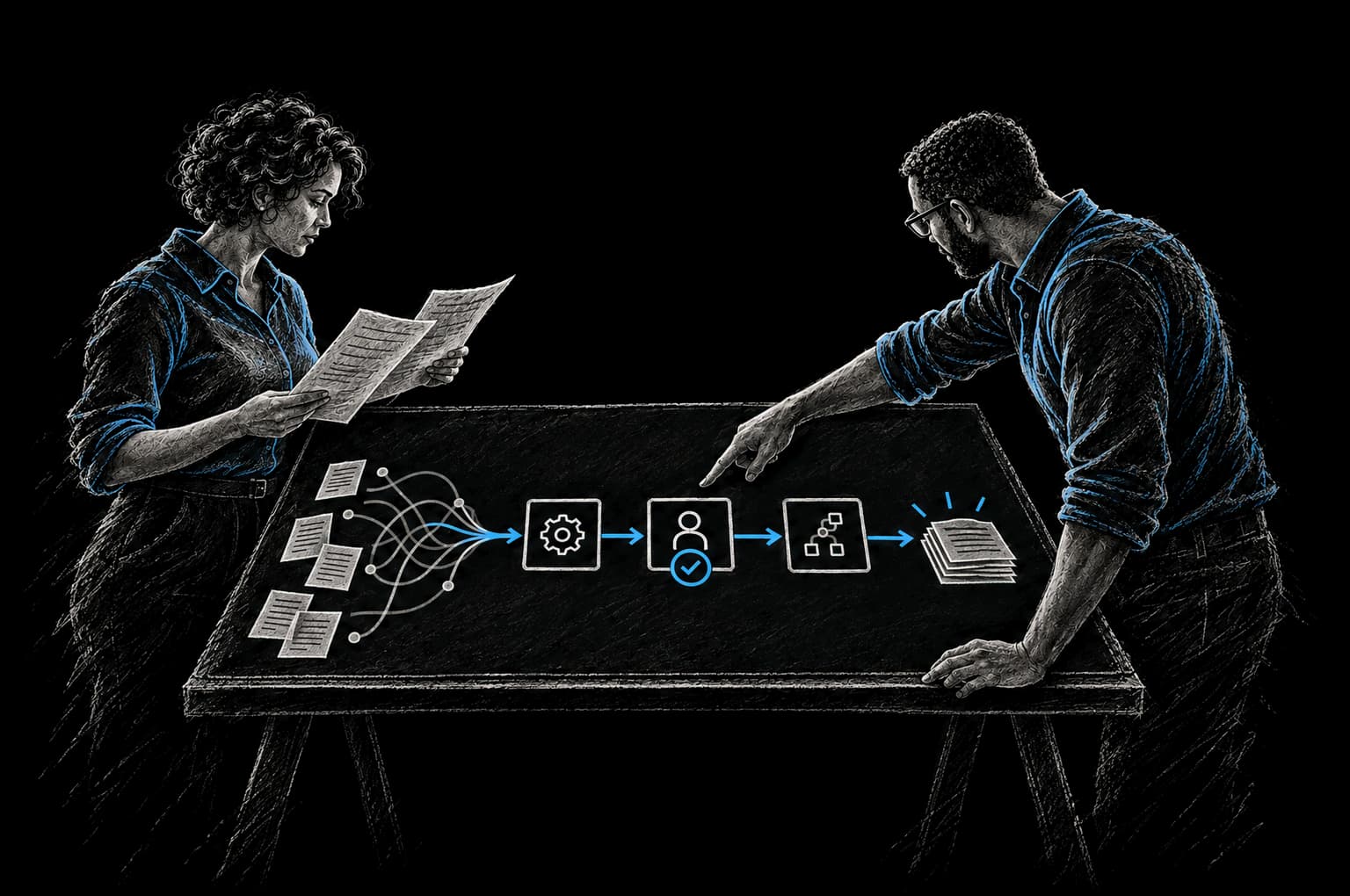
Operating Friction
Signs operations are showing through
- Customers ask for status a portal could show
- Reps quote plans that changed weeks ago
- New customers get asked the same questions twice
Your customers don't know (or care) about your internal systems. But they feel the impact when those systems are disconnected.
A customer calls with a support question. The support agent opens their system and sees stale information. They give the customer bad information. The customer has to call back. The support agent apologizes and escalates. By the time the problem gets resolved, the customer is frustrated.
A customer submits a support ticket. The support team reads the ticket but lacks the context to solve it properly. They ask the customer for information they already gave you two months ago. The customer perceives your company as disorganized.
A customer is waiting for a deliverable. They don't have visibility into the status. They send an email asking for an update. Your team scrambles to figure out where the project actually is, giving the customer a three-day delay on a status update that should have been real-time.
These aren't support problems. They're operational problems. And they're directly tied to whether your internal systems are connected.
How Disconnected Operations Hurt Customer Experience
Customers calling to get status updates that a portal could provide
Your customer implementation is in progress. The customer wants to know when it will be done. They email your account manager. The account manager checks the project management tool, finds out it's 60% complete, and responds. Twelve hours later, the customer has their answer.
If your systems were connected and the project management tool flowed to a customer portal automatically, the customer would see "60% complete, estimated completion April 15" in real-time, without sending an email. No delay. No email to your team. The customer feels like they have visibility.
Instead, your team is spending three hours per week on status update emails that should be instant. And your customers feel like they have to ask for information instead of having access to it.
Inconsistent communication: some customers get proactive updates, others don't
One customer gets weekly implementation updates via email. Another customer never hears from you until their implementation is done. The difference? One of your team members is more proactive about sending updates.
This creates the perception that some customers are valued and others aren't. It's not true, but your systems made it that way. When status updates are automated, every customer gets the same visibility, the same responsiveness.
Wrong information given to customers because the rep is looking at stale data
A support rep looks up a customer's account. The system shows the customer has a Professional plan. But three weeks ago they upgraded to Enterprise. The database wasn't updated. The support rep gives the customer information based on the Professional tier. The customer is frustrated because they're not getting the support level they paid for.
This happens because information is siloed. Billing is in one system. Support is in another. The upgrade happened in the billing system but never synced to the support system. Bad customer experience caused by disconnected tools.
Slow response to issues because the support team lacks context
A customer reports a feature not working. The support team opens the ticket and sees just the basic report: "Dashboard not loading." They have no context. They don't know whether the customer is on a legacy plan that doesn't support that feature. They don't know whether there was a recent change to their account settings. They don't know whether the customer was just onboarded last week or is an eight-year customer.
They ask the customer for more information. The customer has to send a follow-up. More delay. More back-and-forth. If the support system had context from billing, CRM, and implementation records, the first response could be the right one.
Onboarding that feels disorganized because the internal process is disorganized
The customer signs up for your service. They get an email from the sales team welcoming them. Two hours later, a different email from the implementation team asking for the same information the sales team already collected. The customer is confused. They wonder if anyone is talking to each other.
This happens when sales and implementation are disconnected. The customer information is in the CRM. The implementation team has their own project management tool. Nobody is syncing the information.
Why This Matters
Customer experience is directly tied to operational effectiveness.
McKinsey found (opens in a new tab) data-driven organizations are 23 times more likely to acquire customers, six times as likely to retain them, and 19 times as likely to be profitable. Companies with connected operations can provide better service, and customers notice.
When information flows freely across your organization, customers get faster responses, more accurate information, and a sense that your company is organized and has their back. When information is siloed, customers feel like they're being passed around between disconnected departments.
And in a market where your competitor is just a Google search away, customer experience is often the only differentiation that matters.
The Solution: Connected Operations Drive Better Customer Experiences
Customer experience improves when your operations are:
Real-time and transparent
When a customer checks their status, they see current information, not data from last night or last week. When they reach out with a question, the rep has context that's current. When something changes (project status, billing, a support ticket), the customer sees it reflected everywhere instantly.
This requires systems that talk to each other in real-time, not batch processes that sync data once a day.
Proactive rather than reactive
Instead of waiting for the customer to ask for a status update, the system sends one automatically when a milestone is reached. Instead of waiting for the customer to escalate a problem, the system flags issues before the customer finds them. Instead of waiting for the customer to realize they're eligible for a feature upgrade, the system notifies them.
Proactive communication is only possible when systems are connected and communicate with your customers automatically.
Consistent across channels and teams
Whether the customer talks to sales, support, or implementation, they get consistent information. Whether they interact via email, chat, or your customer portal, the information is the same. This consistency builds trust.
When systems are disconnected, different teams show customers different information. The trust erodes.
Contextual and personal
The support agent knows the customer's history, their plan, their use patterns, and their previous interactions. They can solve problems faster and personalize the experience. The customer feels known rather than like a transaction number.
Context comes from connected systems. When you have a single view of the customer across billing, support, and implementation, you have context.
Illustrative Examples
Hypothetical scenarios to show the pattern; figures are illustrative, not client results.
Example 1: Transparent project status
Before: Customer submits a support ticket: "When will the implementation be done?" Your team goes to the project management tool, finds the project is 70% complete, and emails the customer back. Twelve hours later, the customer has their answer.
After: Implementation status flows from your project management tool to a customer portal automatically. The customer logs in and sees: "Project Status: 70% complete. Current phase: Data migration. Estimated completion: April 15. Next milestone: Testing phase, starting April 8." The customer can see this anytime, without asking. Updates flow automatically as the project progresses.
Result: Customer has visibility without asking. Your team stops writing status update emails. Customer feels informed and in control.
Example 2: Proactive issue resolution
Before: A customer's usage suddenly spikes beyond their plan limit. Your system allows the overage, but it gets billed at an overage rate. The customer doesn't notice until they get the invoice at the end of the month. Now they're upset about surprise charges.
After: The system detects the spike immediately. An automated workflow notifies the customer with options: upgrade the plan for the month, or we can manually adjust it. The customer is informed before being surprised. No upset customer. No billing dispute.
Result: Fewer billing disputes. Better customer relationship. Proactive communication.
Example 3: Consistent information across teams
Before: Customer emails asking about their plan features. Support agent checks the CRM and sees "Professional plan." But the customer upgraded to Enterprise last month, and the CRM wasn't updated. Support agent tells the customer "You don't have access to that feature." Customer is frustrated. They actually paid for that feature.
After: When a customer upgrades in the billing system, their profile is automatically updated everywhere: CRM, support system, portal, documentation. Support agent checks and sees accurate information. Gives the customer the right answer. No frustration.
Result: First-response accuracy improves. Customer satisfaction improves. Fewer escalations.
Example 4: Better support with full context
Before: Customer submits a support ticket: "Feature X not working." Support agent has to ask follow-up questions to understand the context: When did this start? What's your plan? Have you been able to use this feature before?
After: Support ticket comes in with automatic context: customer's plan, their usage history, when they created this feature config, a link to their implementation notes. Support agent can provide a useful response on first contact.
Result: Tickets resolve faster because the first response can be the right one. Customer satisfaction improves. Support team resolves more tickets with fewer follow-ups.
Example 5: Organized onboarding
Before: Customer signs up. Automated welcome email from sales. Two hours later, implementation team emails asking for the same information. Customer is confused. Wonders if the company is disorganized.
After: Customer signs up. Sales system automatically populates the customer info into implementation and support systems. Onboarding is orchestrated: welcome email, then (24 hours later) onboarding checklist with all customer info pre-filled, then (48 hours later) first implementation call. One coordinated experience instead of three random emails.
Result: Customer feels like a cohesive company is taking care of them. Onboarding feels organized. Customer trust increases.
The InTech Approach
We don't add customer-facing features to a broken internal system. We fix the internal system first.
We map your customer journey. We identify where information is missing or stale. We connect the systems that feed your customer experience: billing, support, implementation, product usage. We build automation that makes communication proactive instead of reactive. We create transparency so customers see current information without having to ask.
We use the CRAFT methodology: we understand your Context, define the Rationale, Automate the work, Fortify it so it's reliable, and add Telemetry so you can see what's working.
The result is a customer experience that feels organized, responsive, and personalized, which is what keeps customers coming back. And your team spends less time on communication overhead and more time on work that matters.
FAQ
How do we know which information customers actually need to see?
We ask them. We look at your support tickets to see what information customers are constantly asking for. We look at your churn data to understand what pain points matter. We talk to your most satisfied and least satisfied customers. The gap between what they want to know and what they can see points to what needs to be transparent.
Does this require building a custom portal?
Not necessarily. Sometimes a shared document works. Sometimes we plug into an existing tool you already use. Sometimes a simple portal makes sense. The goal is transparency, not complexity.
What if our internal systems are really messy right now?
That's where we start. We clean up the data, implement validation to keep it clean going forward, and then connect the systems. You get benefits at every stage: cleaner data immediately, better internal visibility after integration, and better customer experience once you've automated communication.
How do we measure improvement in customer experience?
We track: response time to customer inquiries, first-response resolution rate, customer satisfaction scores, churn rate, and Net Promoter Score. We agree on the baseline and the target with you before work starts, and report the result against that baseline.
What if we can't automate a specific communication?
We work with you to automate what we can and improve process for what we can't. For example, complex customer issues might require a human response, but we can automate the routing, context gathering, and follow-up.
How does this affect our team workload?
Usually for the better. Your team stops spending time gathering information and managing communication, and starts spending time solving problems and building relationships. The tedious parts get automated. The human parts become the focus.
From Friction to Proof
Bring us the part that’s getting in the way.
Tell our AI agent what you want to improve. We’ll help you find a useful first step.
Start with our AI agent. Find your next step.