Problems We Solve
Eliminating Duplicate Work: Stop Entering the Same Data Twice
Duplicate work shows up wherever the same data has to live in two systems and nothing moves it for you.
Start with our AI agent. Find your next step.
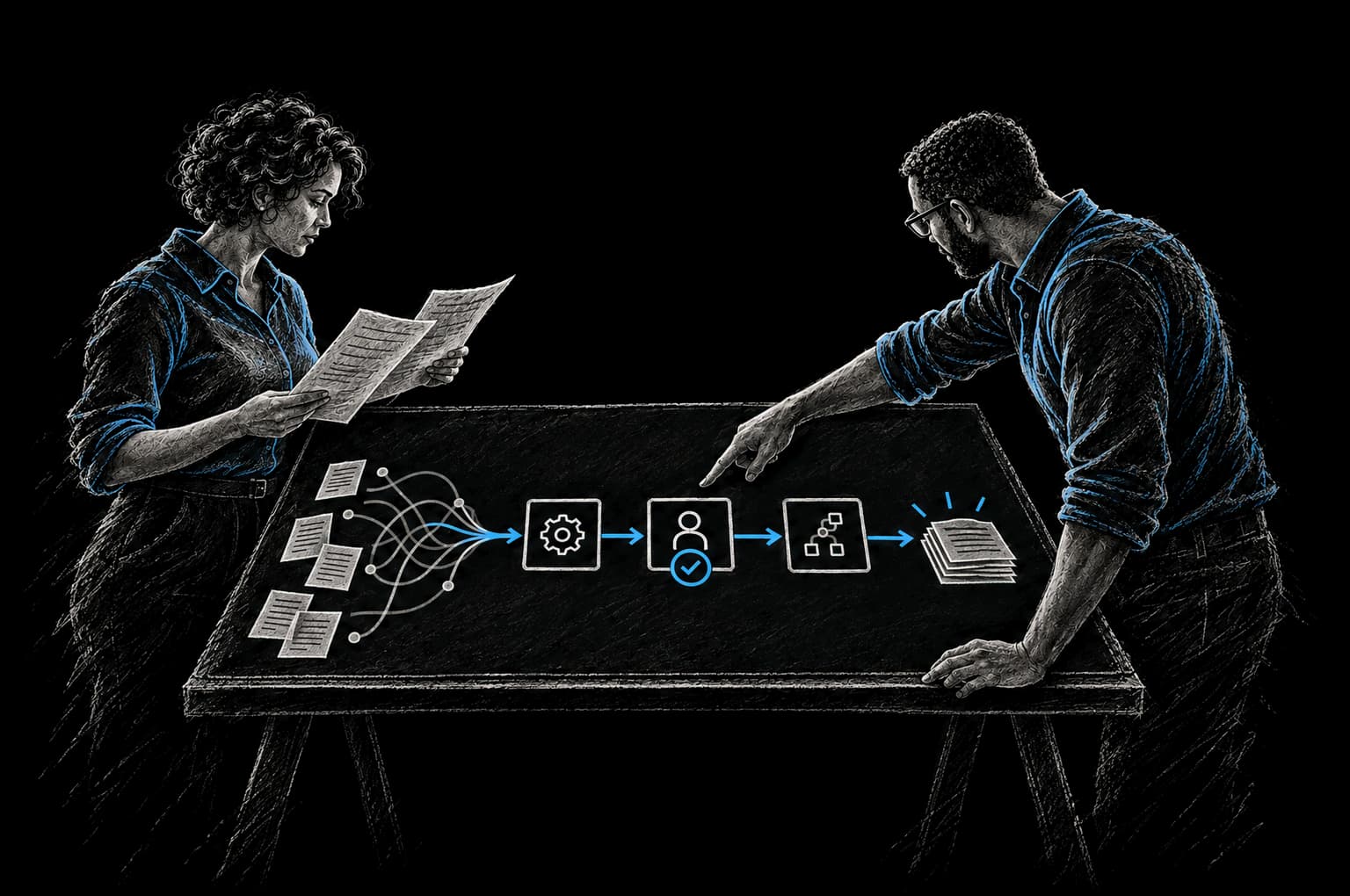
Operating Friction
Where re-entry hides
- The same customer typed into three systems
- Billing re-keys orders from email
- Status updates wait for someone to copy them
Duplicate work is almost never a people problem. It's a systems problem.
When the same information needs to be in multiple systems and there's no automated way to get it there, humans have to move it manually. Someone enters a customer into your CRM. Someone else re-enters them into your accounting system. A third person copies their information into your project management tool.
Three entries of the same data. Three chances to get it wrong. Hours of wasted time on work that could be instant and automatic.
The solution isn't to hire more people to do the re-entry faster. The solution is to build the connections that eliminate the need for re-entry in the first place.
Where Duplicate Work Hides
New customer entered in CRM, then again in accounting, then again in the project tool
A new customer signs up. They're added to your CRM by hand. Then someone in finance goes to the accounting system and creates an invoice. They have to re-enter the customer's name, address, tax ID, billing contact. Then implementation creates a project. They need the customer's contact info and company details. They re-enter it manually.
Three data entries. Time lost at every step. Three chances to make a mistake.
Order data entered in a customer's portal, then re-keyed into your billing system
A customer creates an order or enters data in their own system. Your billing team receives the order (via email, probably). They manually re-enter it into your billing system. Hours later, billing runs. The amount is wrong because of a transcription error. Reconciliation work multiplies.
Job completion logged in the field ops tool, then manually updated in the customer-facing status tracker
Your field team completes a job. They log it in your field management system. Hours later, someone manually checks the field system, logs into the customer status tracker, and updates the status to "completed." If the field team forgets to log it, the customer never knows it's done.
Candidate data entered in the ATS, then re-entered in the onboarding system
A candidate is hired. Their information is in your ATS. Then someone re-enters their basic info into your onboarding system. HR information flows manually. Banking details flow manually. Document templates are manually populated.
Order details entered in the sales system, then re-keyed into fulfillment
A customer places an order in your sales system. Someone then manually re-enters the order details into your fulfillment system. Product info, quantities, shipping address, customer contact. All re-keyed. Error-prone and time-consuming.
The pattern repeats across every organization. The same data exists in multiple places because the systems don't talk to each other.
The Real Cost of Duplicate Work
Duplicate work is expensive in ways that aren't always obvious.
Nearly 60% of workers estimate they could save 6+ hours per week if repetitive tasks were automated (Smartsheet (opens in a new tab)). If your organization has 10 people spending an average of 3 hours per week on data re-entry, that's 30 hours per week. At a fully-loaded cost of $75 per hour, that's $2,250 per week. That's $117,000 per year on data re-entry.
But it goes deeper than time cost.
Every re-entry is an opportunity for error. Manual data entry error rate is 1 to 4 percent (Quality Magazine). Over 60% of invoice errors are caused by manual data entry (SenseTask). When data is re-entered three times, you have three times the chance of error.
When data is inconsistent across systems, reporting is unreliable. Your sales team sees one pipeline number, your finance team sees another, your operations team sees a third. Decisions are made on different data. Reconciliation becomes a regular exercise in frustration.
And when duplicated work lives in manual processes, it doesn't scale. If you want to double your throughput, you need more people doing the manual work. If you eliminate the duplicate work through integration, you don't.
The Solution: Integration Instead of Re-entry
The solution is simple: build the integrations that eliminate the second (and third) entry.
A customer is created in your CRM. They automatically appear in your accounting system. Automatically appear in your project management system. One entry. Multiple systems. No manual copying.
An order comes in from a customer's system. It automatically creates an order in your fulfillment system with no re-entry. Data flows. Automatically.
A job is marked complete in the field management system. The status automatically updates in your customer-facing portal. The customer sees current information without anyone manually updating it.
This is what "connected systems" means in practice. Data flows from the system where it originated to every other system that needs it.
Illustrative Examples
Hypothetical scenarios to show the pattern; figures are illustrative, not client results.
Example 1: Customer creation
Before: Customer signs up on your website. Lead data goes to your CRM by hand (or with basic Zapier automation). Sales team gets a notification. If the lead converts to a customer, sales manually creates them in the accounting system: name, address, tax ID, billing contact. Then implementation manually creates them in the project system. Then success manually creates them in support. Four data entries. One hour total.
After: Customer signs up. Automated workflow creates them in CRM with all lead data. If they become a customer, CRM triggers an automated workflow that creates them in accounting (pulling the relevant fields), in the project system (pulling the relevant fields), and in support (pulling the relevant fields). Data flows to every system automatically. Ten minutes total.
Result: One hour of manual work per customer eliminated. Errors on customer data drop sharply because data is entered once. Scaling happens without adding headcount.
Example 2: Invoice processing
Before: Vendor invoice comes in via email. Accounting team opens the email, reviews the invoice, manually re-enters the amount, vendor name, and line items into the accounting system. Then they match it against the PO (manually). Then they route it for approval (manually). Processing time: 20 minutes per invoice. Error rate: 2 to 3%.
After: Invoice comes in via email or API. Automated parsing extracts the key data (amount, vendor, line items). The system automatically matches it against the PO using vendor name and amount. The invoice is automatically routed for approval based on the amount. Approval comes back automatically. Accounting system is updated automatically. Processing time: 2 minutes per invoice. Error rate: 0.1%.
Result: 90% reduction in time per invoice. Error rate drops dramatically. Finance team can process 10x more invoices without adding headcount.
Example 3: Field operations to customer visibility
Before: Field team completes a job. They log it in the field management system. Someone from operations checks the field system regularly and manually updates the customer-facing status tracker. Lag time: 4 to 8 hours. Customer doesn't see work is complete until a manual update happens.
After: Field team logs job complete in the field system. Automated workflow immediately updates the customer-facing portal. Customer sees status in real-time.
Result: Customer always has current status. Zero manual updating. Hours saved per week.
Example 4: Hiring and onboarding
Before: Candidate is hired. Their information is in the ATS. Someone manually extracts that information and enters it into the onboarding system. HR documents, background check, benefits, equipment, access. All re-entered manually at different times by different people. Takes two weeks from hire date to full access because information flows manually.
After: Candidate is hired. Automated workflow pulls all candidate information from ATS into the onboarding system. Onboarding tasks are created automatically with information pre-filled. HR documents are sent automatically. Equipment order is triggered automatically. New hire has everything within three business days.
Result: Onboarding time drops from two weeks to three days. New hire gets to productivity faster. HR team spends zero time on manual data transfer.
Example 5: Project-based billing
Before: Project work is logged in a time tracking system. Someone manually reviews the time entries, manually creates an invoice in the billing system based on the hours logged. Then someone manually enters those hours into the accounting system. Three manual steps. Multiple re-entries. Error-prone and slow.
After: Hours logged in time tracking system. Automated workflow creates an invoice in the billing system, pulling hours automatically. Accounting system is updated automatically. Invoice is sent to customer automatically. Zero manual steps.
Result: Invoices are generated automatically on schedule. Zero manual re-entry. Hours are tracked once and automatically flow to every system that needs them.
Identifying Your Duplicate Work
Duplicate work isn't always obvious. Here's how to find it:
Ask your team: "What information do you re-enter or reformat regularly?" The answers are your duplicate work hotspots.
Look at your integration gaps. Where does data stop flowing automatically? Those are the re-entry points.
Track time on data entry and reformatting. Where is the most time spent moving data between systems?
Calculate the cost. If someone spends 3 hours per week on data re-entry at a loaded cost of $75 per hour, that's $11,700 per year for one person on one task. If you have multiple people doing similar re-entry work, the cost is significant.
The InTech Approach
We identify where duplicate work is happening. We prioritize by impact and cost. We build integrations that eliminate it.
We agree on the baseline and the target with you before work starts, and report the result against that baseline. We usually start with the highest-impact duplications (often customer and invoice data), prove them in production, then move to the rest.
We don't over-engineer. We build integrations that are simple, maintainable, and work with the tools you already have.
We use the CRAFT methodology: we understand your Context, define the Rationale, Automate the work, Fortify it so it's reliable, and add Telemetry so you can see what's working.
FAQ
How do we know which integrations to build first?
We prioritize by impact and cost. Which duplicate work involves the most people? Which takes the most time? Which causes the most errors? Those get addressed first. Usually it's customer data, invoice data, or project data.
Do we need to replace our existing systems?
No. We build integrations that connect the systems you have. If you're using Salesforce, Stripe, QuickBooks, and Asana, we build integrations that connect them. Systems don't need to be replaced to be connected.
What if our systems don't have APIs?
Most modern systems have APIs. Older systems sometimes don't. When that's the case, we can often work through exports, direct database access or document capture, then use a workflow automation platform to move the data. If replacement really is the better path, we'll tell you plainly.
How do we maintain these integrations?
Once they're built, they run automatically and need little day-to-day attention. We set up monitoring so you know if an integration breaks. You own the code, repositories and infrastructure we build for you. Your team can run the system, a Build Pod can keep developing it, or InTech Operate can run and improve it as a managed service, with the same evaluations and telemetry.
What if data gets out of sync between systems?
We build validation into integrations so syncing errors are caught early, and monitoring alerts you if a sync fails, so problems get fixed before they spread.
How much will this cost?
Cost depends on the number of systems and the complexity of the workflow. We scope system integration work after an assessment and give you a clear price before work starts. We build the business case with you from your own baseline, so you can see the expected payback before you commit. The Intent Contract sets the baseline and the date we verify against.
Can we do this gradually?
Yes. Pick your highest-impact duplicate work. Build the integration that eliminates it. Measure the impact. Then move to the next one. You build momentum as you expand.
What about data security and privacy?
We treat data security seriously. All integrations use secure connections. Data is encrypted in transit. We don't store data unnecessarily. We follow best practices for API security.
From Friction to Proof
Bring us the part that’s getting in the way.
Tell our AI agent what you want to improve. We’ll help you find a useful first step.
Start with our AI agent. Find your next step.