Problems We Solve
Automating Internal Business Processes: Where to Start
The workflows between your core systems often stay manual because nobody owns them.
Start with our AI agent. Find your next step.
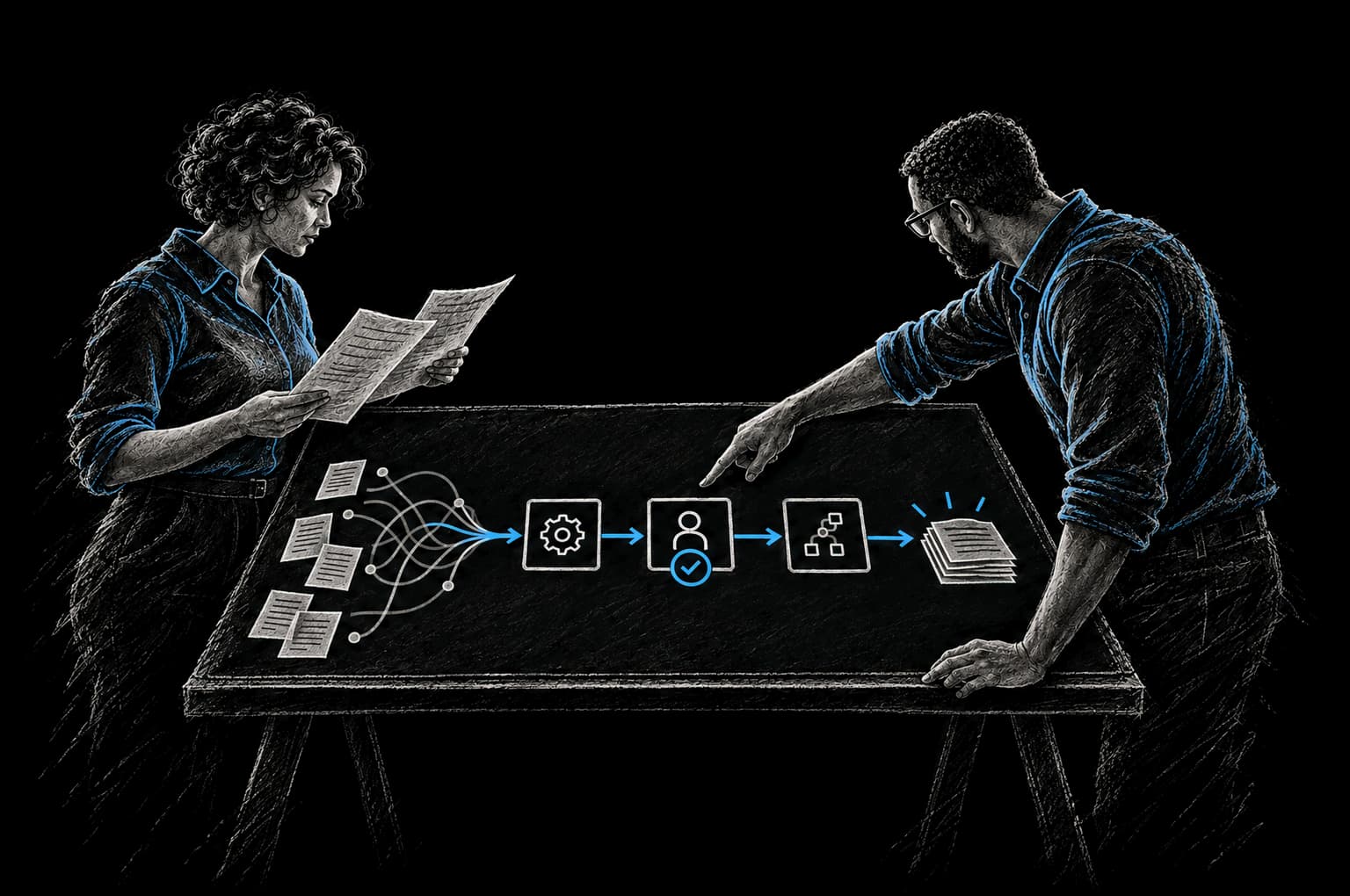
Operating Friction
Where internal work leaks time
- Reports rebuilt by hand every week
- Approvals wait in someone's inbox
- New hires wait days for accounts
Your team spends 15 hours a week compiling operational reports from different systems. Your finance team manually matches invoices to purchase orders. Your HR team sends dozens of emails per week with the same information: onboarding checklists, benefit reminders, policy updates. New employees take a week to be fully set up because tasks have to be done in sequence and most are manual.
These are internal processes. They're not customer-facing. They don't generate revenue directly. But they consume time, create errors, and slow down operations. And they're usually the easiest processes to automate because they follow predictable patterns.
The problem isn't that automation is hard. It's knowing where to start.
Why Internal Processes Stay Manual
Most businesses automate the obvious things first. You implement software to sell. You use systems to manage customers. You have tools for accounting. But the workflows that run between these systems (the connective tissue that makes the whole operation work) often stay manual because they weren't designed as products. They evolved organically. Nobody owns them. They don't appear on a roadmap.
These workflows have predictable patterns that make them good candidates for automation:
Onboarding. New employee or new customer, you're collecting information, setting up accounts in multiple systems, assigning them to teams, routing tasks, sending them information. The flow is almost always the same. Variations exist, but the pattern is consistent.
Approval workflows. Expense approvals. PTO requests. Purchase orders. Contract sign-offs. Someone fills out a form, it goes to an approver, an email goes to the next person in line, a record gets created in a system. The pattern repeats thousands of times.
Reporting. Weekly status reports. Monthly KPI reports. Operational dashboards. Most of these follow a template. Pull data from system A, pull data from system B, combine them, format them, send them out. Every week or month, the same process repeats.
Internal notifications. "A new lead came in: notify the sales team." "This invoice is 30 days overdue: notify accounting." "This customer is about to churn: notify the account manager." These are rules-based alerts that trigger routine messages.
Document management. A contract comes in, it needs to be reviewed by three departments, each person signs off, it gets filed. An employee submits an expense report, it goes to their manager, then to finance, then back to the employee. Documents move through predictable workflows.
All of these are good candidates for automation because they're rule-based, repetitive, and follow consistent patterns. The technology to automate them exists. The issue is usually sequence: where to start and how to prioritize.
The Cost of Manual Internal Processes
These processes might seem like background noise, just the cost of doing business. But they're not free. They're expensive in ways that compound.
Direct time cost. If one person spends 10 hours a week on onboarding tasks, that's 500 hours a year, roughly three months of full-time work. If three people spend 10 hours a week each on reporting, that's 30 hours a week, 1,500 hours a year. Multiply that across your organization. Smartsheet research (opens in a new tab) found that nearly 60% of workers estimate they could save six or more hours per week if repetitive tasks were automated.
Error cost. Manual processes create manual errors. An invoice gets mismatched. A customer record gets duplicated. An approval gets missed. Someone gets cc'd on an email who shouldn't have been. These errors create rework: correcting mistakes, dealing with consequences, fixing records.
Speed cost. Manual processes create bottlenecks. New employee onboarding can't start until a manager fills out a form and submits it. That takes two days. Then IT provisions accounts. That takes another day. Then HR sends credentials. That takes another day. What could be same-day becomes one week because tasks are sequential and manual.
Decision cost. Because processes are manual and time-consuming, organizations do them less frequently. Reporting happens monthly because weekly would require too much time. Performance reviews happen annually instead of quarterly. Strategic planning is infrequent because pulling together the data is exhausting. And because data is infrequent, decisions are made less often and less informed.
Scaling cost. As you grow, these manual processes don't scale. You hire more people to do the same work. Onboarding 100 employees takes roughly ten times the human effort of onboarding 10. That's a cost that grows with the business.
What Automation Can Actually Do
Automation isn't about eliminating all human work. It's about eliminating the work that humans shouldn't be doing.
Good automation:
Handles the structured part. Collect data, validate it, route it, format it, deliver it. A form gets filled out, the system confirms the data, puts it where it needs to be, and notifies the right person. The human decides, approves, or takes action. The system handles logistics.
Removes the waiting. Instead of a person queue, things move immediately. An approval comes through, the next step starts. Information is needed, it's delivered. An event happens, the notification goes out. No waiting for an inbox check or for someone to remember to do the next thing.
Reduces errors. Humans aren't required to hand-transfer data. Systems don't forget steps. Checklists get followed consistently. Records get created the same way every time. This isn't zero errors, but it's dramatically fewer errors.
Creates consistency. When the process is manual, variations creep in. One team does it one way, another team does it another way. Automation enforces consistency. There's one way the process runs.
Creates visibility. A manually managed approval queue is invisible. An automated approval workflow shows status. You can see where things are stuck. You can identify bottlenecks. You can measure how long things take.
Automation doesn't remove human judgment. It removes the logistics that shouldn't require judgment.
How to Sequence Automation: The Right Order
Not all processes are created equal. Some automate faster than others. Some deliver bigger impact. Some are higher risk if they fail. Here's how to think about sequence.
Step 1: Identify the process that costs the most staff time or causes the most errors.
Look at your team. What tasks consume the most hours? Whose week would change the most if a specific process was automated? Not the task that feels most annoying, but the task that costs the most time or creates the most rework.
If onboarding takes 40 staff hours a month and reporting takes 80 hours a month, start with reporting. If approval workflows fail 5% of the time and create rework, that's higher impact than a process that works consistently even if it's tedious.
Step 2: Map the current workflow.
Document what actually happens. Not what should happen, but what does happen. Who fills out forms? Where does information go? What decisions are made and by whom? What information is needed? What handoffs exist? Where do errors happen? Where do bottlenecks appear?
This mapping usually takes a day or two but is critical. It's the difference between automating the process you think you have and automating the process you actually have.
Step 3: Define what "automated" looks like.
Not everything can be automated. Decide what can and should be. A purchase order might look like this:
- Employee fills out form (requires human)
- System validates the request (can be automated)
- System routes to approver based on amount and department (can be automated)
- Approver reviews and approves or denies (requires human)
- System creates PO and sends to vendor (can be automated)
- System matches invoice to PO (can be automated)
- Finance approves payment (requires human judgment)
- System processes payment (can be automated)
The humans decide. The system handles the logistics and notifications.
Step 4: Build the automation with clear success metrics.
Don't build in the dark. Before you automate, define what success looks like.
- Time to complete the process reduces from X to Y
- Error rate drops from X% to Y%
- Number of approvals that miss SLA decreases from X to 0
- Staff time spent on the process drops from X hours to Y hours
Measure these before automation, measure them after, and track the improvement. This keeps the effort focused and proves value.
Step 5: Deploy, measure, and iterate.
Start with one process, get it working, measure the impact, share results, build confidence. Then move to the next process. This is faster and lower risk than trying to automate everything at once.
Common Internal Processes Worth Automating
Here are processes that frequently deliver high ROI when automated:
Onboarding (employee and customer). New employee joins. Checklist gets distributed automatically. Manager gets sent forms to complete. IT gets notified and provisions accounts. Systems send credentials. Timesheets get set up. Setup moves faster and nothing gets missed.
Expense and approval workflows. Employee submits expense. Validation rules catch missing receipts or policy violations. Report routes to appropriate approver. Reminders go to approvers. Once approved, expense gets coded and submitted for payment. Finance team gets alerts on high amounts.
Weekly and monthly reporting. Systems pull data automatically. Calculations happen automatically. Reports get formatted and distributed. Variance analysis gets flagged. Executives get alerted to metrics that are out of range.
Account and contact management. Customer data comes in (through forms, integrations, manual upload). System deduplicates. Contact records are created and linked. Accounts are set up. Sales team is notified. Follow-up reminders are scheduled.
Document routing and signing. Documents get routed to the right people in the right order. Notifications go out automatically. Completed documents get filed. Records are created in your systems.
Inventory and supply chain alerts. Stock levels hit thresholds, replenishment orders are created. Critical inventory gets flagged. Backorder alerts go to sales. Fulfillment teams get notified of changes.
Scheduling and coordination. Meeting requests are scheduled automatically. Resources are checked for availability. Confirmations are sent. Calendar holds are created. Reminder sequences go out.
Most of these can be built in weeks, depending on complexity. The technology exists. The issue is usually just deciding to prioritize the work.
The InTech Approach: Pragmatic Automation
We automate internal processes with a focus on adoption and ROI, not perfection.
We start by understanding which process matters most. Not the most broken process or the one that feels most annoying, but the one that costs the most time or creates the most errors. Usually this is obvious once you map where staff hours go.
We map the actual workflow. We talk to the people who do the work, not just the process owner. This usually uncovers complexity that documents don't capture.
We design for human judgment to stay human. Automation handles logistics. Decisions, reviews, approvals stay with people. This keeps the system simple and keeps people engaged with the work.
We measure before and after. We agree on the baseline and the target with you before work starts, and report the result against that baseline.
We focus on adoption. Automation that isn't used is waste. We integrate into the tools people already use: Slack for notifications, email for approvals, existing dashboards for visibility. We don't require people to change where they work.
We iterate fast. Start with one process, get it working, measure impact, prove value, move to the next. This builds confidence and keeps team bandwidth manageable.
The result is that your internal operations become faster, more reliable, and more measurable. Your team spends less time on logistics and more time on work that matters.
Frequently Asked Questions
How long does it take to automate a process?
Depends on complexity. A simple approval workflow or notification system is the quickest to build; a complex onboarding sequence involving multiple systems takes longer. Most single-process automations go live in weeks, with the timeline agreed in the Intent Contract before build starts. The timeline includes mapping the current process, designing the automation, building it, testing, and initial deployment.
Do we need to change our existing systems?
Usually no. We work with what you have. If you're on Salesforce, HubSpot, Asana, Monday, Slack, or other common platforms, they have APIs that let us integrate without requiring system changes. Sometimes small workflow or naming standard changes are needed for consistency, but replacement is rarely necessary.
What if the process changes frequently?
That's actually fine. The automation handles the standard flow. When exceptions or variations arise, people handle them. You automate the part that's consistent and let people manage the part that varies. Over time, you can add branches to handle additional variations if they become frequent enough.
How much does this cost?
Cost depends on the number of systems and the complexity of the workflow. We scope it after an assessment and give you a clear price before work starts. A single process automation usually fits an Express Pod. An Express Pod puts one measurable improvement into production in weeks, with the timeline agreed in the Intent Contract before build starts. If you're automating multiple processes, a Build Pod fits better. The Build Pod is ongoing delivery capacity with a Product Delivery Lead, staffed to the shape of the work and managed against outcomes. Commercial terms are agreed per engagement.
What if it breaks or needs changes?
We build monitoring in, so problems surface quickly. Most process automations are stable once they're running; they usually break only when your underlying systems change. You own the code, repositories and infrastructure we build for you. Your team can run the system, a Build Pod can keep developing it, or InTech Operate can run and improve it as a managed service, with the same evaluations and telemetry.
Can you automate across multiple systems?
Yes. That's usually where the most value is. If a process touches your CRM, accounting system, and email, we integrate across all three. Data flows from system to system automatically. This is more powerful than automating within a single system.
How do you ensure nothing gets missed?
We build in validation, checklists, and alerts. If required information is missing, the system flags it. If approvals are pending, reminders go out. If something breaks, alerts notify the right people. We also build dashboards so you can see process status at a glance.
From Friction to Proof
Bring us the part that’s getting in the way.
Tell our AI agent what you want to improve. We’ll help you find a useful first step.
Start with our AI agent. Find your next step.