Compare
Custom Software vs. SaaS: How to Choose
When to subscribe, when to build, and how to tell which one fits a given workflow.
Start with our AI agent. Find your next step.
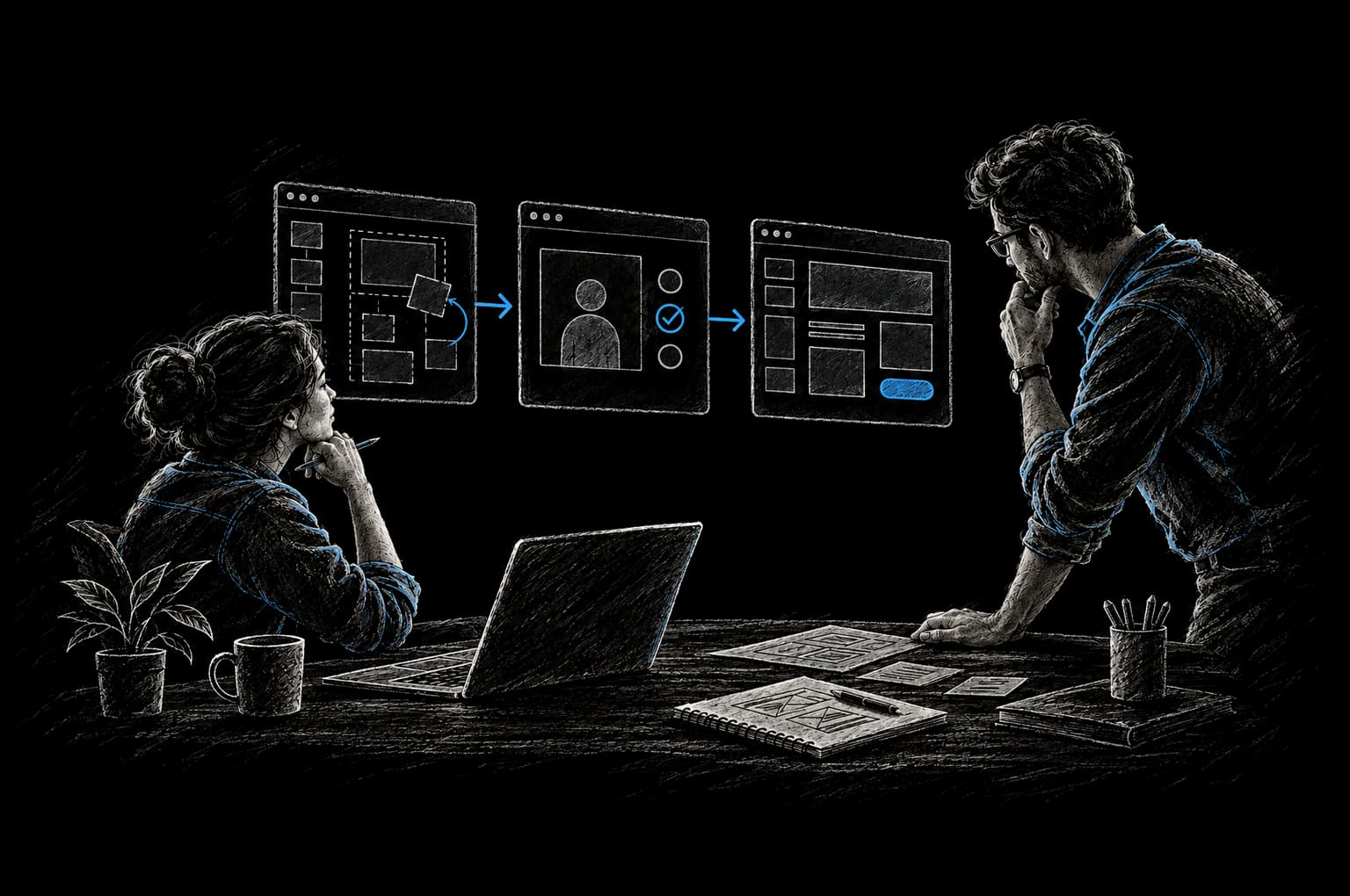
Decision Guide
SaaS subscription or custom software
- How standard or differentiated the workflow is
- Upfront cost versus ongoing subscription cost
- Ownership, lock-in, and who maintains it
When you need new software to run part of your business, you face a fundamental choice: buy a SaaS subscription or invest in custom software built for your specific needs. Both are legitimate paths. The question isn't which is objectively better. It's which fits your workflow, budget, and competitive position.
Let's break down the real tradeoffs so you can decide with confidence.
What's the Difference?
SaaS (Software as a Service) is off-the-shelf software you subscribe to. Salesforce, HubSpot, Stripe, Slack. The vendor builds it for a broad market, handles all maintenance and updates, and charges you a monthly or annual fee. You don't own the software; you rent access to it.
Custom software is built specifically for your business. A team of engineers writes code tailored to your workflows, data model, and competitive needs. You own the code, the data, and typically the infrastructure. You can modify it whenever you want.
The honest truth: SaaS is excellent when your workflow is standard. If hundreds or thousands of businesses run the same process the same way, there's probably a mature SaaS product solving that problem efficiently. Custom software makes sense when your workflow is differentiated, meaning how you work is part of your competitive advantage, or when available tools force too many compromises.
Key Differences at a Glance
| Feature | SaaS | Custom Software |
|---|---|---|
| Time to launch | Days to weeks | Weeks to months |
| Upfront cost | Low to moderate | High |
| Ongoing costs | Subscription (ongoing) | Maintenance + hosting (lower at scale) |
| Customization | Limited to vendor's scope | Complete flexibility |
| Data ownership | Shared with vendor | Yours entirely |
| Vendor dependency | High (lock-in risk) | Low (you choose the stack and hosting) |
| AI capabilities | Generic, vendor-trained | Built on your data |
| Maintenance burden | On vendor | On you or your partner |
SaaS: Advantages and Disadvantages
SaaS Advantages
Fast deployment. You sign up, configure basic settings, and go live in days. No engineering needed.
Lower upfront cost. You pay monthly. No large capital investment before the software works.
Vendor handles maintenance. Updates, security patches, server uptime, and backups are the vendor's responsibility.
Pre-built integrations. Popular SaaS tools connect to hundreds of other tools through APIs and Zapier, simplifying your tech stack.
Predictable pricing at small scale. Monthly fees are straightforward (though they often rise as you grow).
SaaS Disadvantages
Your workflow must fit their design. You adapt to how the vendor built the software, not the other way around. If their workflow is 85% right for you, you're left working around the 15%.
Subscription costs accumulate. The average company uses 275 SaaS applications and spends $4,830 per employee per year on software subscriptions (Zylo, 2025) (opens in a new tab). At scale, monthly fees add up faster than you'd expect. A $500/month tool becomes $6,000/year; five of them become $30,000/year.
Vendor lock-in. Your data, workflows, and business processes become dependent on the vendor's platform. If they change their pricing, discontinue a feature you rely on, or shut down, you're forced to migrate.
Limited customization. Beyond what the vendor allows in settings and config, you're stuck. Need a custom field? Maybe. Need a custom workflow? Probably not.
Generic AI features, not yours. If the SaaS tool added an AI feature, it's trained on general data or their other customers' data. It doesn't know your business, your data, or your customers the way custom-built AI can.
Unused features drive costs up. Most organizations use only 40% of the features they pay for (BetterCloud, 2025).
Custom Software: Advantages and Disadvantages
Custom Software Advantages
Built exactly for your workflow. No compromises. The software does what you need it to do, in the way you actually work.
You own what you build. With the right development agreement, the code, the data, and the infrastructure are yours. No vendor can change your pricing, discontinue your product, or hold your data hostage.
No vendor dependency. Your product strategy isn't hostage to a vendor's roadmap. You decide what features to build next based on your needs, not their business priorities.
Embed AI against your data. Train models on your proprietary data, customers, and domain. This is a source of competitive advantage that generic SaaS AI can't match.
Lower cost at scale. After the initial investment, your costs are primarily hosting and maintenance. One custom-built tool often costs less to run annually than three or four SaaS subscriptions, especially as you grow.
Future flexibility. You can pivot, integrate, or modify the software without waiting for a vendor's roadmap or hitting their API limits.
Custom Software Disadvantages
Higher upfront cost. Building takes time and engineering resources, and the cost depends on the number of systems and the complexity of the workflow. That's a real investment, so get a clear price after scoping and before work starts.
Longer time to launch. You can't go live in a week. Scoping, building, and testing takes weeks to months depending on complexity.
You own the maintenance burden. Bugs, security updates, infrastructure changes: if something breaks, you (or your engineering partner) have to fix it. This is a long-term responsibility, not a one-time purchase.
Requires a reliable engineering partner. If you build custom software, you need engineers you trust. Poor execution wastes money and leaves you with unmaintainable code.
You need the right expertise in-house or contracted. You can't hand off software maintenance to just anyone. It requires real engineering competency.
When to Choose SaaS
Choose SaaS when:
- Your workflow is standard. Email, CRM for a typical sales team, payroll, accounting: these are solved problems with great products.
- You're early-stage and don't know your long-term workflow yet. Don't over-optimize. A SaaS tool lets you move fast while you're still figuring out what you actually need.
- The SaaS tool's workflow actually matches how you work. Not 85%, but 90% or more. You're not forcing compromises.
- Budget constraints favor monthly over upfront investment. You need something now and don't have the budget for a custom build yet.
- Integration and ease-of-use are the priority. A boring, proven SaaS tool that your team can use immediately might be exactly right.
When to Choose Custom Software
Choose custom software when:
- Your workflow is differentiated. How you do something is part of why customers choose you. A generic tool won't capture that.
- You've outgrown the SaaS tool. You hit its limits, need customizations it doesn't offer, or the vendor won't build what you need.
- You're paying for features you don't use and missing ones you do. If you're cobbling together three SaaS tools to do one thing, custom might be cheaper and simpler.
- You need AI or data-driven insights on your proprietary data. Your customer base, pricing, operations, and domain knowledge are competitive advantages. Generic SaaS AI misses that.
- You're scaling and subscription costs are becoming a burden. Build the business case from your own baseline (what you pay now, and what a custom platform would cost to build and run) so you can see the expected payback before you commit.
- You need integration across multiple disconnected systems. Gluing three SaaS tools together with Zapier works until it doesn't. A unified custom platform often makes sense at scale.
The Hybrid Approach
Most mature companies use both. SaaS for standard workflows (email, payroll, accounting, generic project management). Custom software for workflows that differentiate you or require deep integration.
At InTech Ideas, this is how it typically shows up. A B2B SaaS company, for example, might use Stripe for payments, HubSpot for general CRM, and Slack for team communication (all SaaS). But they build custom software for their core product workflow: how customers configure, deploy, and monitor their specific solution. That workflow is proprietary and competitive; SaaS won't work.
The decision for each tool should be: Does this workflow fit what's available in SaaS, or do we need something built for how we actually work?
Custom Software vs. SaaS: FAQ
Won't custom software become expensive to maintain?
Custom software has ongoing costs (hosting, maintenance, updates), but at scale it's often cheaper than accumulated SaaS subscriptions. Illustrative industry ranges, not InTech quotes: a custom platform might cost $3K to $8K a month to host and maintain, and ten mid-market SaaS subscriptions at $500 to $1,000 each ($5K to $10K a month) can match or exceed that. The cost tradeoff favors custom after a certain scale.
Can I use SaaS for some processes and custom for others?
Yes, and this is the most common approach. Use SaaS for standard functions where a great product exists and your workflow fits. Build custom for processes that differentiate you or integrate multiple systems. Use APIs and webhooks to connect them.
What if I choose SaaS now and need to migrate to custom later?
It's possible but painful. You'll need to export your data (if the vendor allows it), rewrite or rebuild your workflows in custom software, and migrate your historical data. Plan for this possibility by choosing vendors that allow data export and avoid deeply embedding your operations in vendor-specific workflows.
How long does custom software take to build?
It depends entirely on scope. A straightforward internal tool might take 2 to 3 months. A customer-facing product or complex workflow could take 6 to 12 months or longer. During scoping, you should get a clear estimate and timeline.
Do I have to use a consulting firm to build custom software?
No. You can hire engineers directly or work with an engineering partner. The decision depends on whether you want to build internal engineering capacity or bring in external expertise for a defined project.
What's the risk of building custom software?
The main risk is poor execution. If you partner with engineers who don't understand your business or write unmaintainable code, you'll have wasted money and a product you can't evolve. Choose your engineering partner carefully, insist on clear scope and milestones, and plan for ongoing maintenance from day one.
From Friction to Proof
Bring us the part that’s getting in the way.
Tell our AI agent what you want to improve. We’ll help you find a useful first step.
Start with our AI agent. Find your next step.